You can add these payment links through the website and mobile versions of the app, and we will cover the steps to do so below.
On this page
Collecting payments through my Mobilo Card
Through the website
-
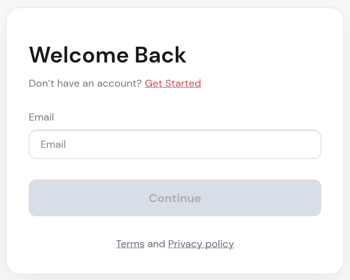
Go to app.mobilocard.com and sign in.
-
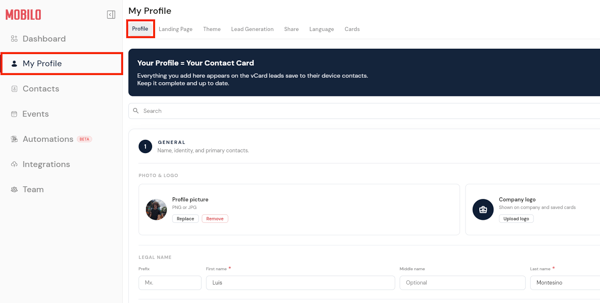
Go to My Profile on the left panel. There, you will encounter the section where you can add or edit your contact details.
-
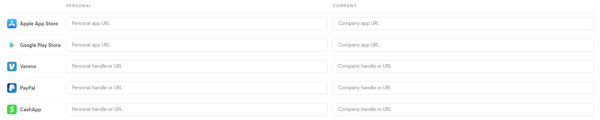
Scroll down to the Other section, or search it using the bar at the top of the screen, and look for the field that you'd like to use.
-
Paste your URLs.
-
Hit the Save button that will appear at the top of the screen.

Through the mobile app
-
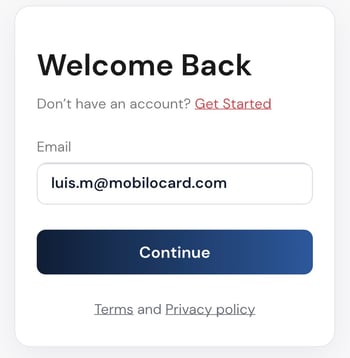
Open the Mobilo Card app on your phone and sign in using your email address.
-
Towards the bottom of the screen, click on Profile and tap the small pencil icon at the top of the screen.
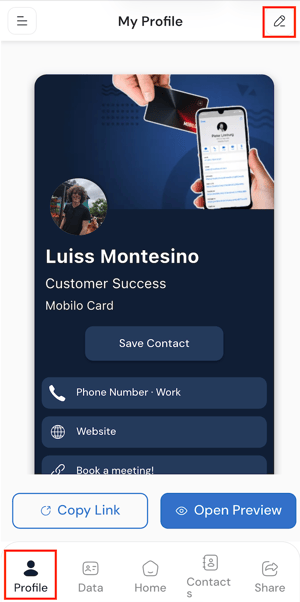
-
Scroll down to the Other section, or search it using the bar at the top of the screen, and look for the field that you'd like to use.
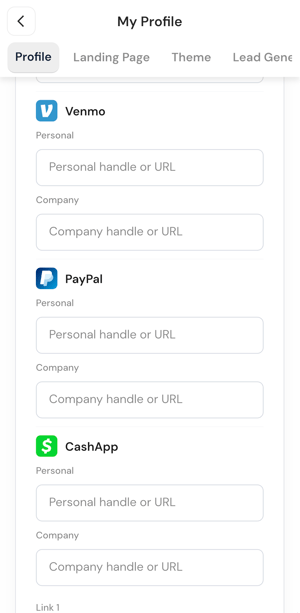
-
Paste your URLs.
-
Hit the Save button.

Important
At the moment, we only have designated fields for Venmo, PayPal, and Cash App. However, if you'd like to add other methods, you can use our Link 1 and Link 2 fields, which you will find under the My Profile section.
Any questions?
Kindly contact us, and we will be happy to help!
If you are already chatting with us, type "Live Support," and you will be connected with one of our specialists, or contact us via email at support@mobilocard.com, and we can answer any questions you may have.