Where do I check the link clicks?
You can track this from our web app by
-
Going to app.mobilocard.com.
-
Clicking on Dashboard.
-
Clicking on My Team.
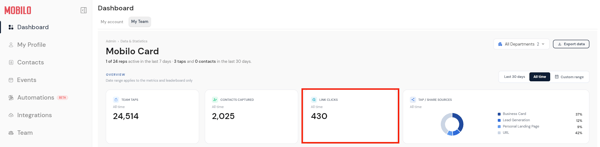
Here, you will find the total clicks. These statistics make it easier for you to understand the performance, pattern, and efficacy of your interactions.
Link Tracking on the Mobile App
You can find this information on our mobile app as well by
-
Going to 'Data'.
- Clicking on My Team.
-
Scrolling down to 'Link Clicks'.
Turning off 'Link Tracking'
TEAM Users
Admins on our TEAM Plan can turn off Link Tracking by following the steps below
-
Go to app.mobilocard.com and log in.
-
Go to the 'Team' tab.
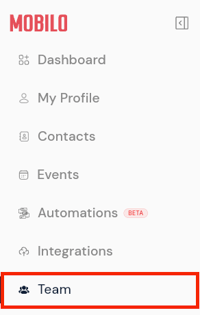
-
Click on 'Link Tracking'.
-
Turn off the toggle.

Non-admin users under TEAM may contact their admins to help them turn off this feature.
PRO Users
If you're on our PRO Plan, you can turn off Link Tracking individually. Here's how:
-
Visit app.mobilocard.com and log in.
-
Go to 'My Profile'.
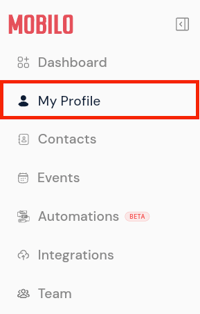
-
Look for the 'Link Tracking' section.
-
Turn off the toggle.

Any questions?
Kindly contact us, and we will be happy to help!
If you are already chatting with us, type "Live Support," and you will be connected with one of our specialists, or contact us via email at support@mobilocard.com, and we can answer any questions you may have.